AI Meeting Minutes
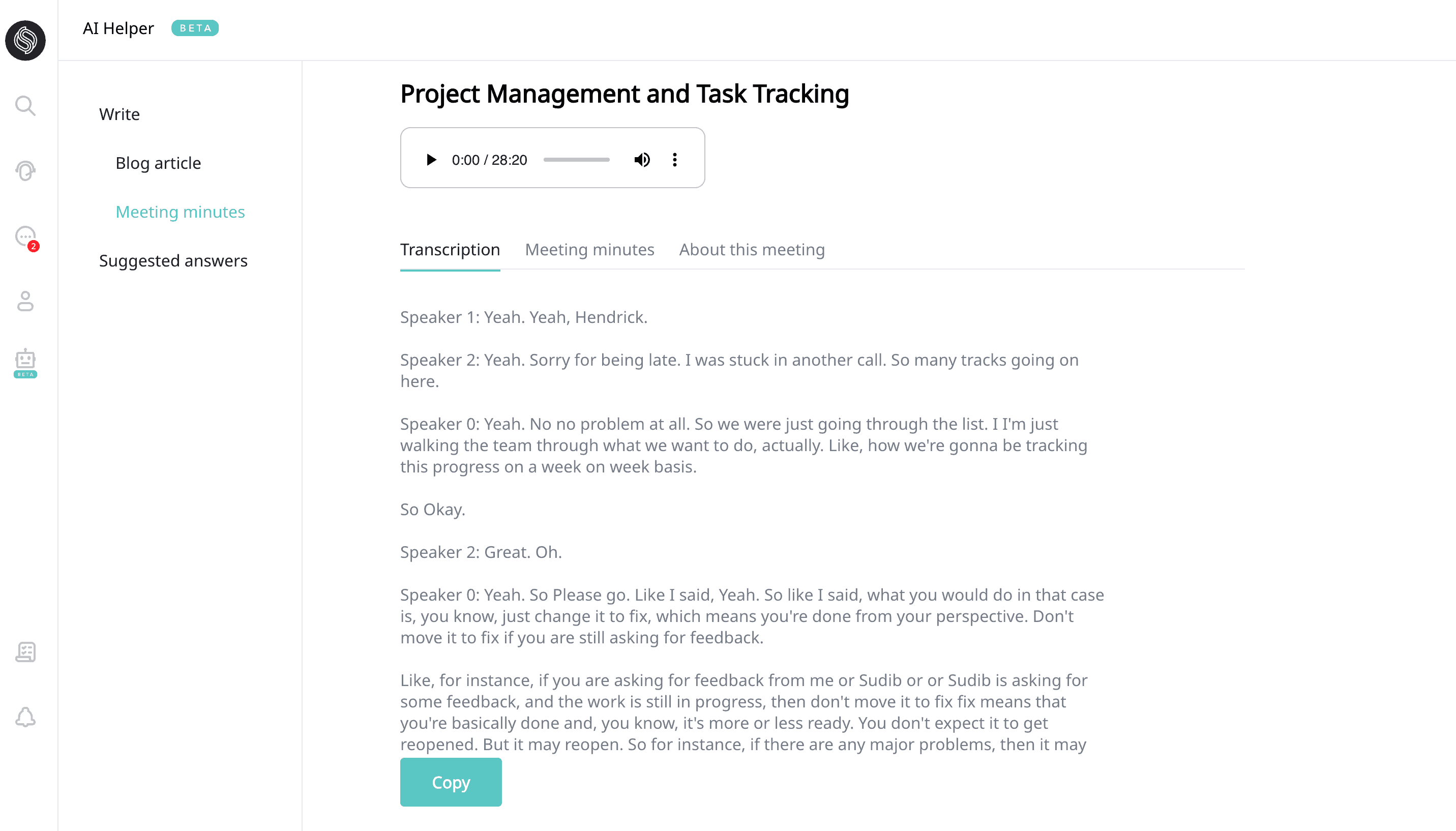
Sonetel's AI Meeting Minutes service can automatically produce precise and clear meeting minutes from any recording of a meeting. This can streamline your workflow and give your productivity a leg up.Try the service for free now. This article guides you on how to use Sonetel's 'Meeting Minutes' service. It's an invaluable tool to help you manage your meetings more efficiently, saving you precious time. 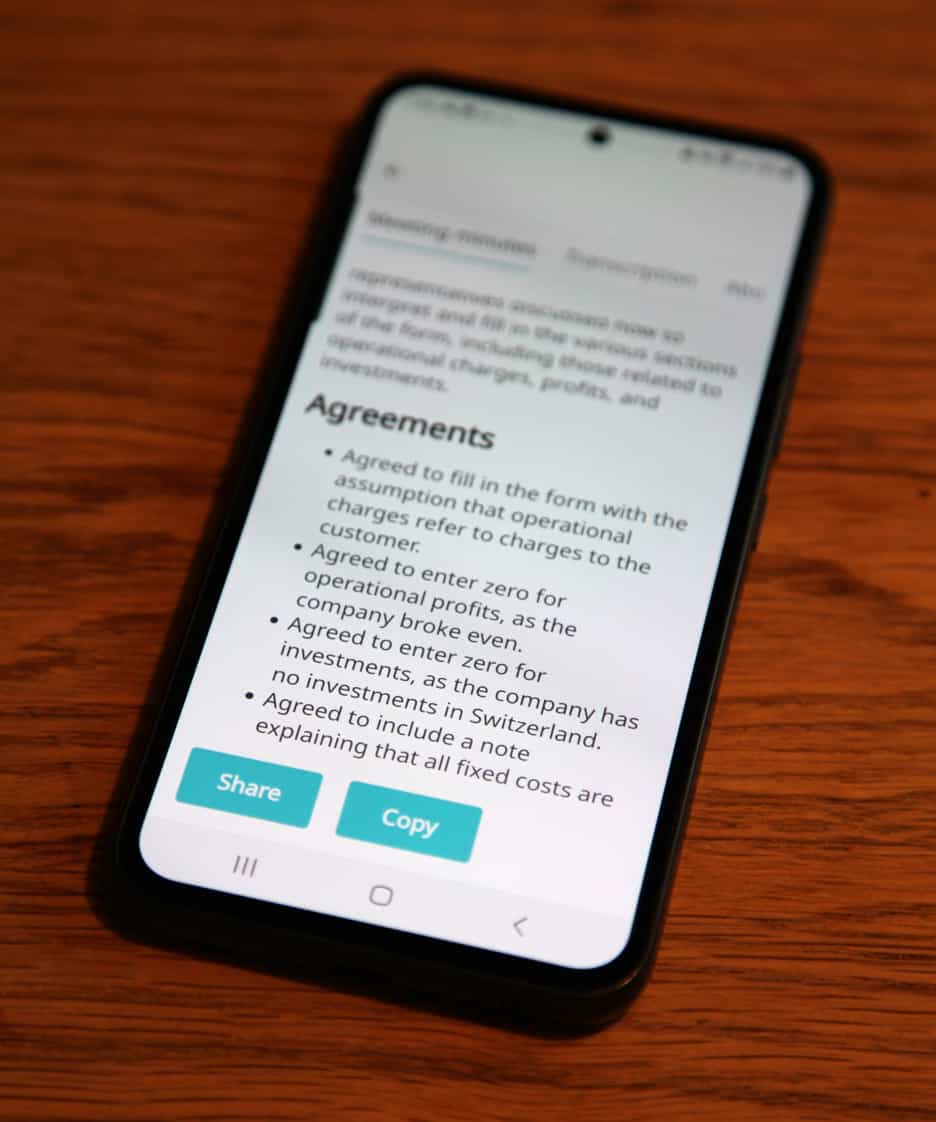 Boost your Business with Meeting Minutes Imagine if meeting minutes didn't drain your time and resources. Sonetel's AI-powered feature makes this possible. It converts audio or video recordings into clear, understandable minutes. This feature does more than just save you time - it decreases the chance of overlooking crucial details and generates actionable summaries. This in turn aids in task delegation and ensures that everyone is on the same wavelength.
- Create a free account if you don't have one already.
- Open Sonetel's web app and sign in.
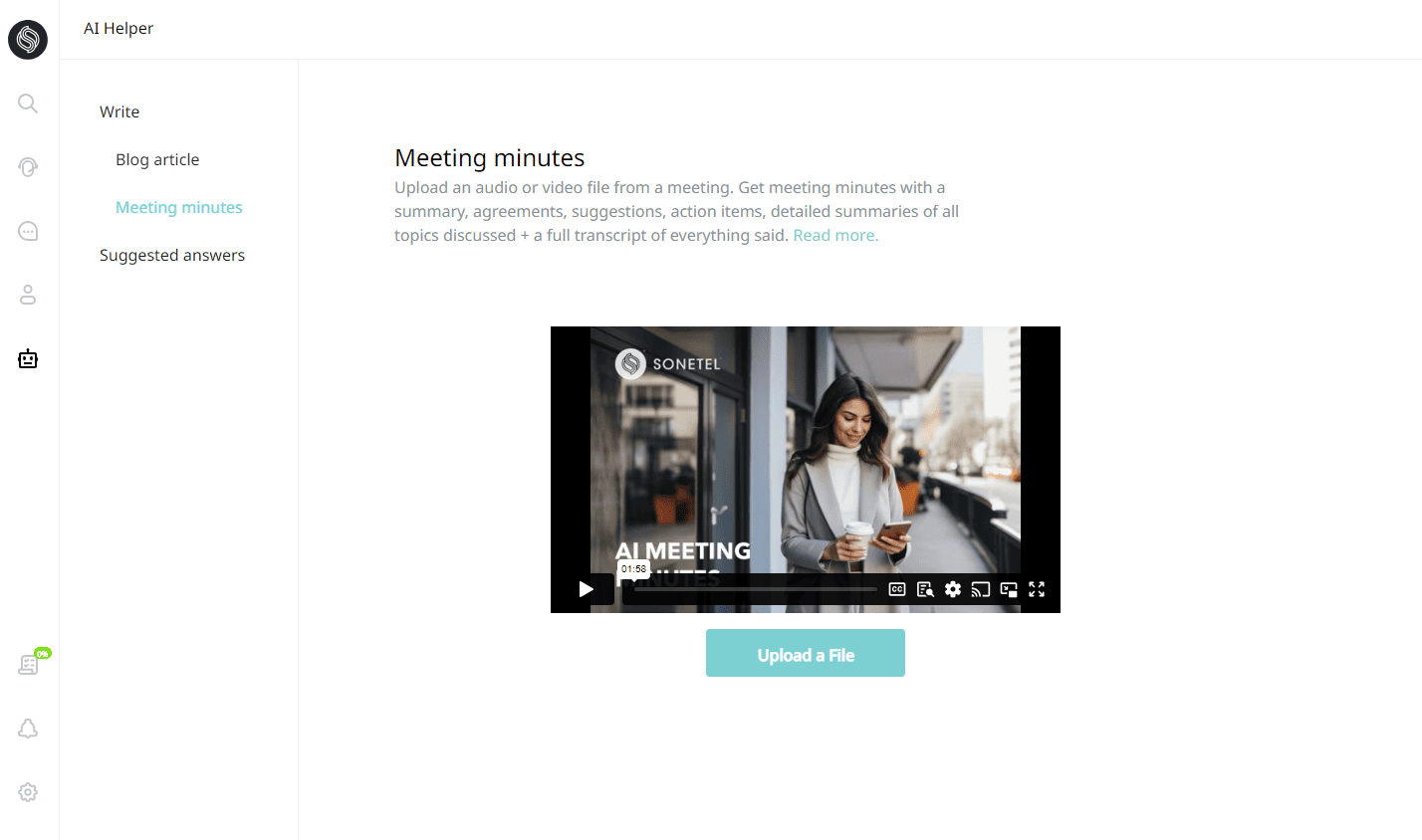
- Click on the
 AI icon on the left to come to the Meeting Minutes page.
 - Hit the 'Upload a file' button to upload the recording of your meeting.
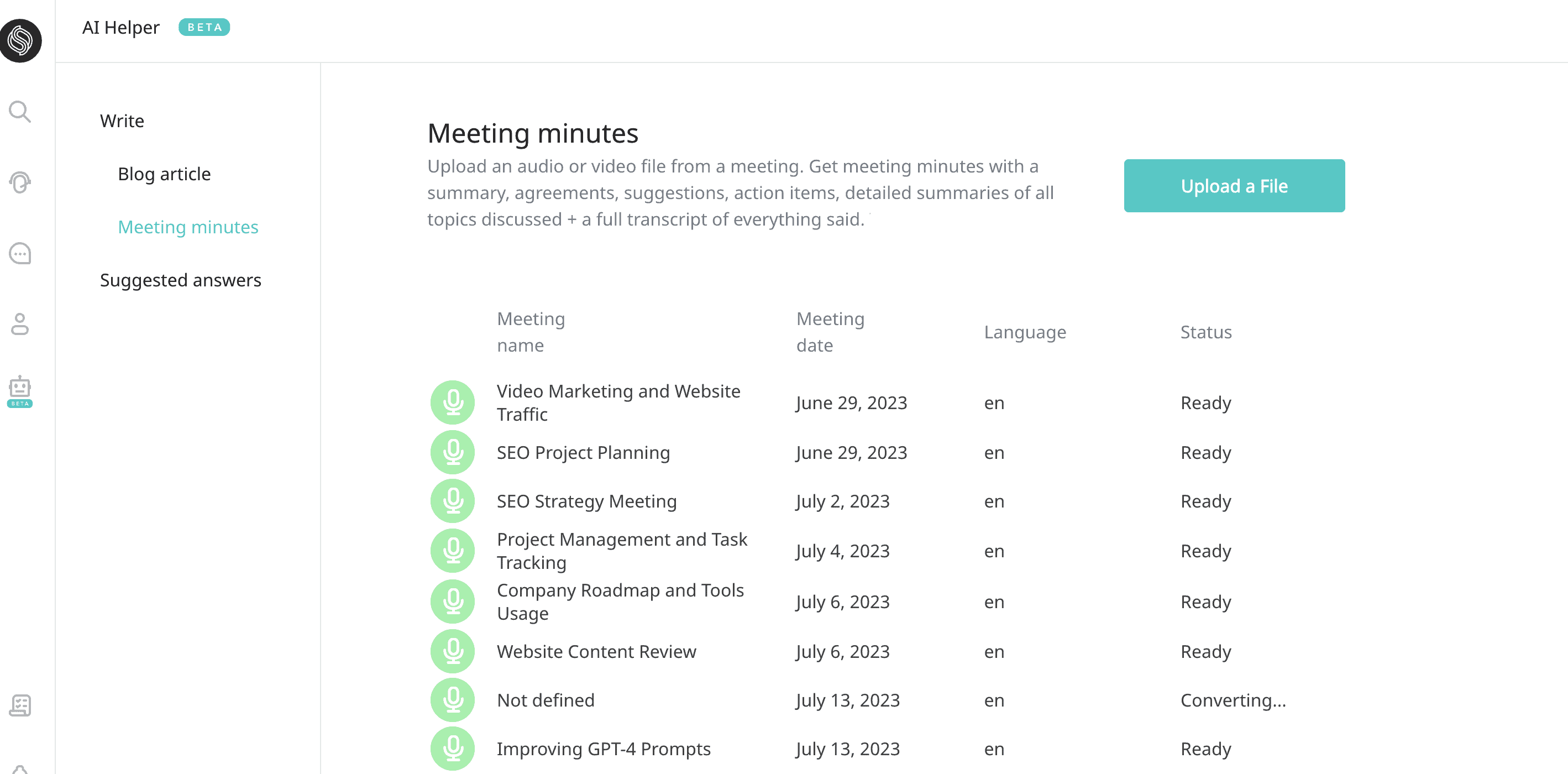
- Meeting Name Our AI system suggests a title post-processing that offers a sneak peek into the meeting’s content.
- Meeting Date This generally matches the file's creation date, but can be adjusted if need be.
- Language The system accurately identifies the language used in the transcription.
- Status Ranging from 'uploading' to 'ready', this shows you where the transcription process stands.
The Detail View Once a meeting is 'ready', click on its row to access the detailed view. This view includes three main tabs: Transcription, Meeting Minutes, and About this Meeting. 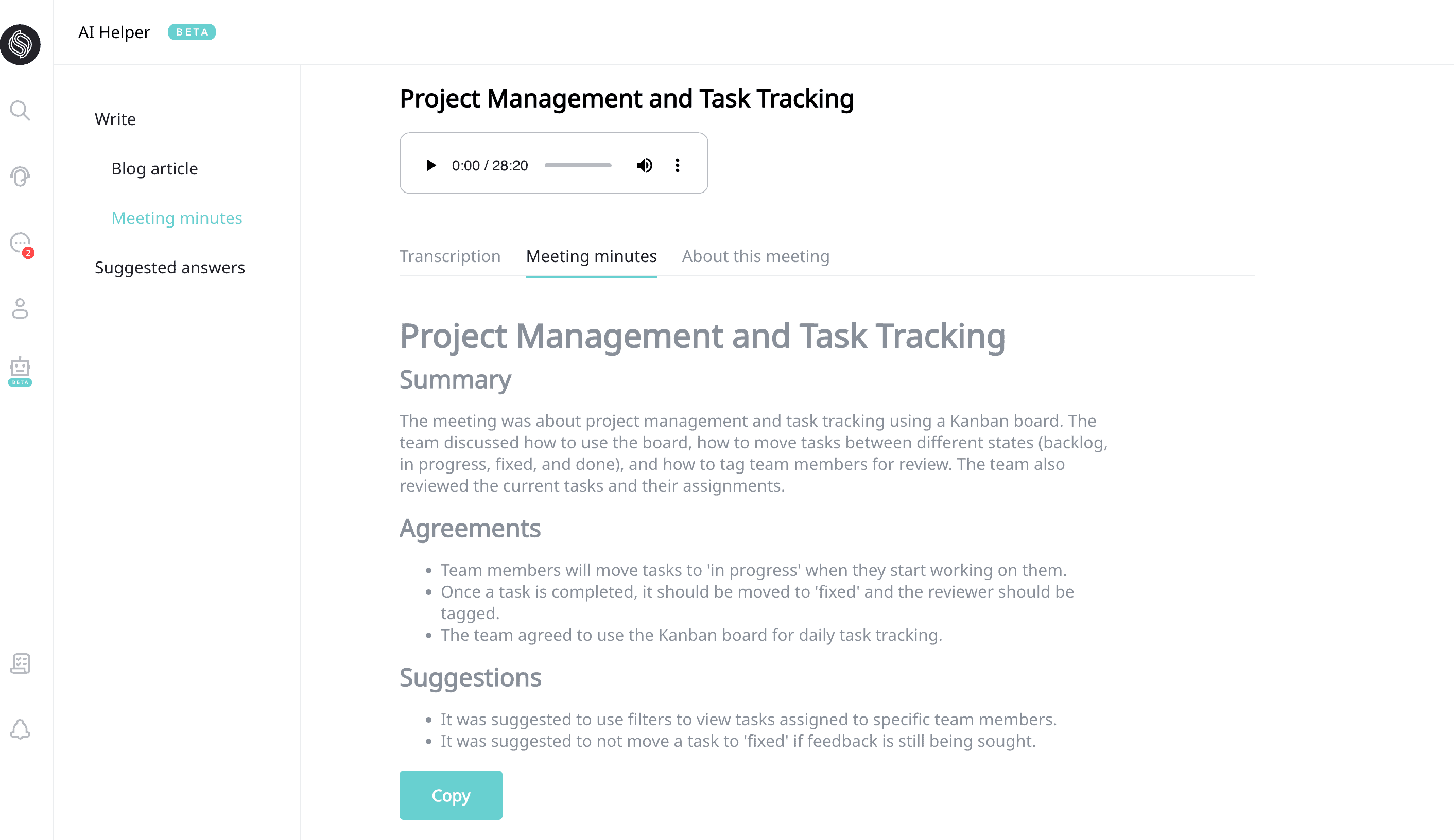
- Meeting Minutes The AI-generated summary of the meeting is housed here. It sections like Summary, Agreements, Suggestions, Action Items, and Detailed Summary, all bulleted for ease of understanding.
- Transcription This section contains the raw transcription, providing an option to copy everything.
- About this Meeting This tab allows edits to the meeting name, date, and also provides space for adding notes for later reference. If necessary, you could delete the recording from here.