
Specification of service charges
You can see details of all service charges on theUsage page in the Web app. The data can be downloaded as CSV files for offline analysis. 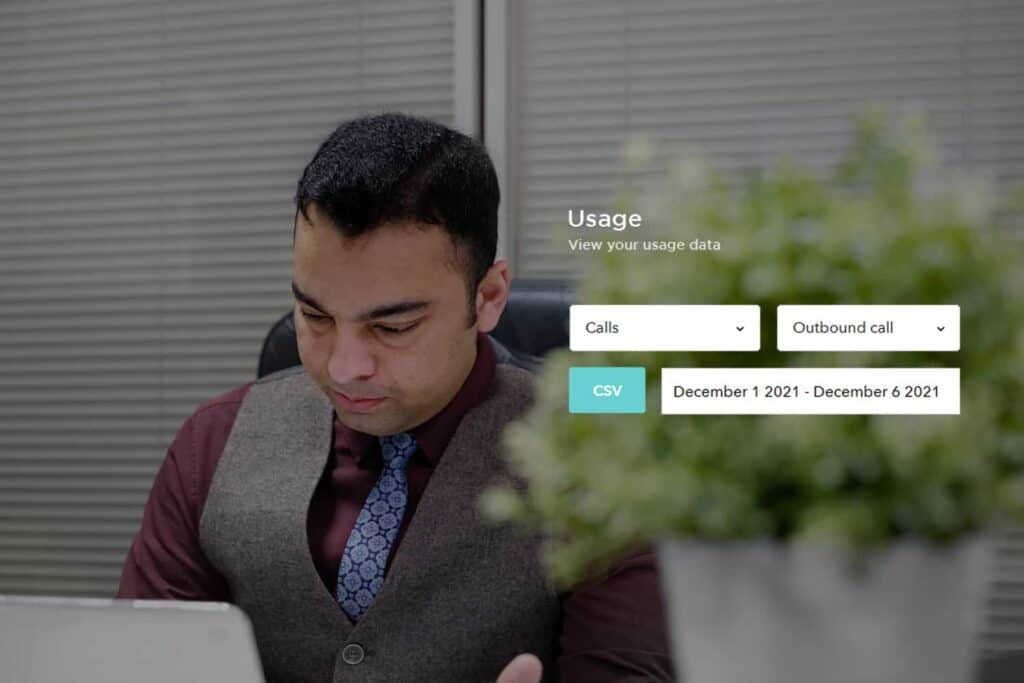
Filters available
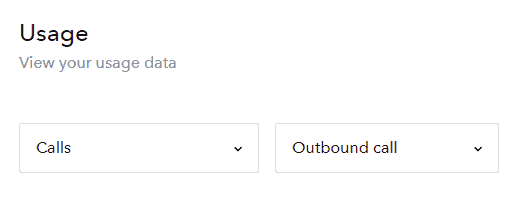
You can narrow down the search to the specific type of usage records you want to see by using the filters.
Date range
You can set a from and to date, to only see the records within the range set. 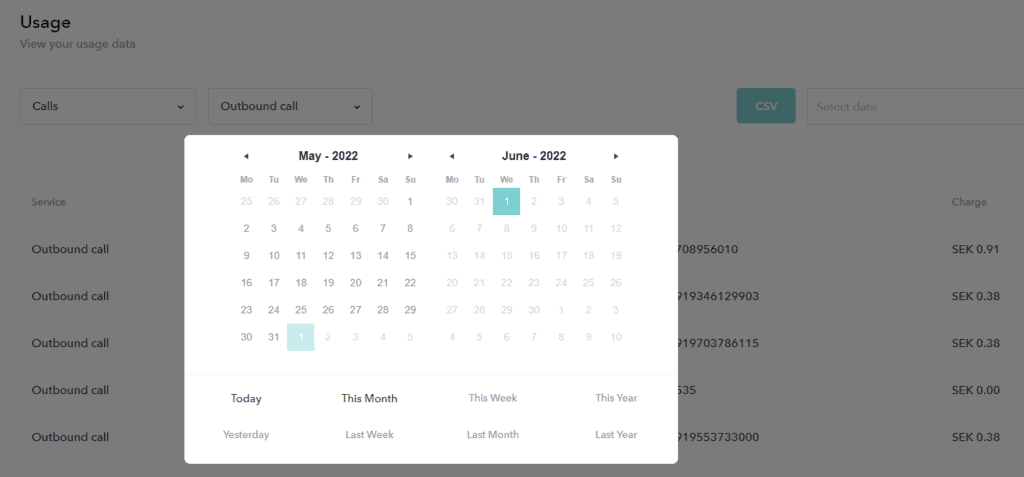
Type of usage charges
All
See all type of usage and charges.
Number purchase fees
See on-time fees applied when buying a phone number. Most phone numbers do not have any purchase fee, but only monthly/annual charges.
Subscription fees
See recurring charges applied for your subscriptions. Use either of the following additional filters:
- All See all subscription fees.
- Phone number subscription. Renewal fees for phone numbers you have via Sonetel.
- Premium subscription. Renewal fees for the Premium plan.
- Business subscription. Renewal fees for the Business plan.
Calls
See details for all calls made. Use either of the following filters to narrow your search.
- All See both outbound and inbound calls.
- Outbound call Calls you make to mobiles and landlines worldwide. Also includes call forwarding of incoming calls to landlines or mobile numbers.
- Inbound call Per minute call charges for toll free calls, that are free for the caller to call - but where the owner of the number has an extra per minute charge.
Other usage
See charges for any of the other service types offered. Select a sub-filter to narrow your search.
- All
- Web call Calls between team members using Sonetel apps is generally free.
- Incoming fax.
- Incoming SMS
- IVR menu Use of Voice apps when it isn't included free.
- Company voicemail
- Voice app recording Recording of greeting messages etc over the phone. This is generally free - except for the regular call charge.
- Voice app call thru This is a special function in Voice apps that is generally not visible to users. You should not expect to see any charges for this.
- Overuse. Charges for usage beyond the allowed limit in packages and plans.
- Voicemail for user Normal use is free.
- Conference For usage above the free limit.
Resulting list of usage charges
The resulting list that you will get looks something like this: 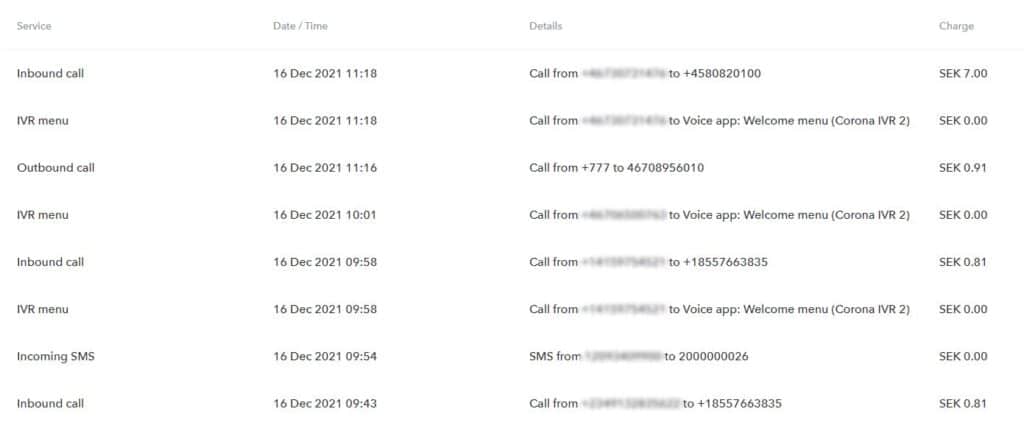
Download a data CSV file
Use theCSV button on the Usage page to download the usage records for offline analysis in Excel or any other tool of choice. 