
Import mobile contacts
You can easily import all your mobile contacts to the Sonetel app. This makes it easier to call them and communicate with them. To import your mobile contacts, go to the People section of the Android or iPhone app and click on Contacts. 
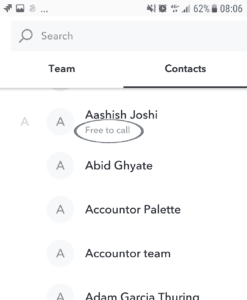

- Call Allows you to call the contact via Sonetel. If they have a Sonetel account - and you make an app-to-app call - the call will be free for you. You can additionally call their regular numbers at the cost of local calls.
All types of communication that you have with a contact via Sonetel will appear as a Conversation named by your contact's name. You find all your conversations with team members, mobile contacts and with others that have had phone calls with - under the phone symbol in the apps. 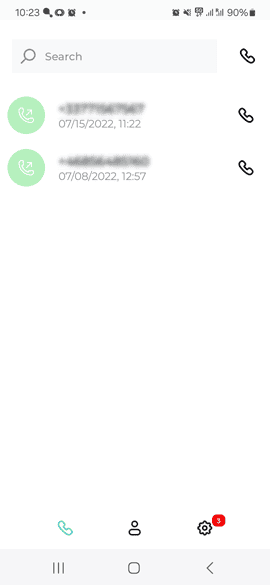
- Call duration
- Call type
- Call recording